
APFS snapshots
The Snapshots tab lists the local APFS snapshots of your startup disk.
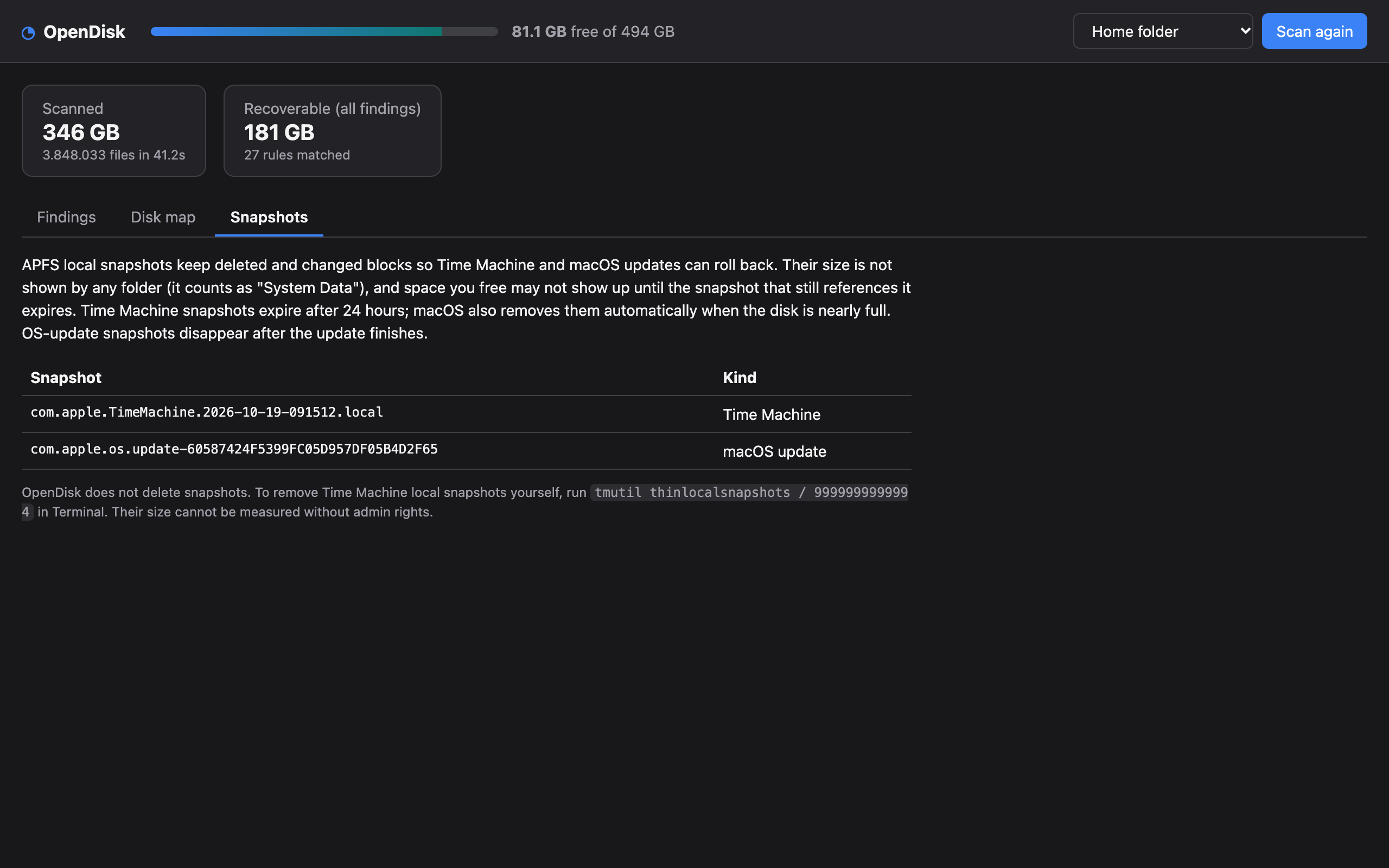
- Time Machine keeps hourly local snapshots for about 24 hours, even without a backup disk connected.
- macOS updates create a snapshot before installing and remove it afterwards.
A snapshot keeps the blocks of files that were changed or deleted after it was taken. That space is not shown by any folder (in System Settings it counts as System Data), and space you free may not come back until the snapshots that still reference it expire. macOS removes them automatically when the disk is nearly full.
OpenDisk only lists snapshots; it does not delete them. To remove Time Machine local snapshots yourself:
bash
tmutil thinlocalsnapshots / 999999999999 4