Onion skin
The onion skin shows the drawings before and after the current one, faded and tinted, so you can draw the poses in between.
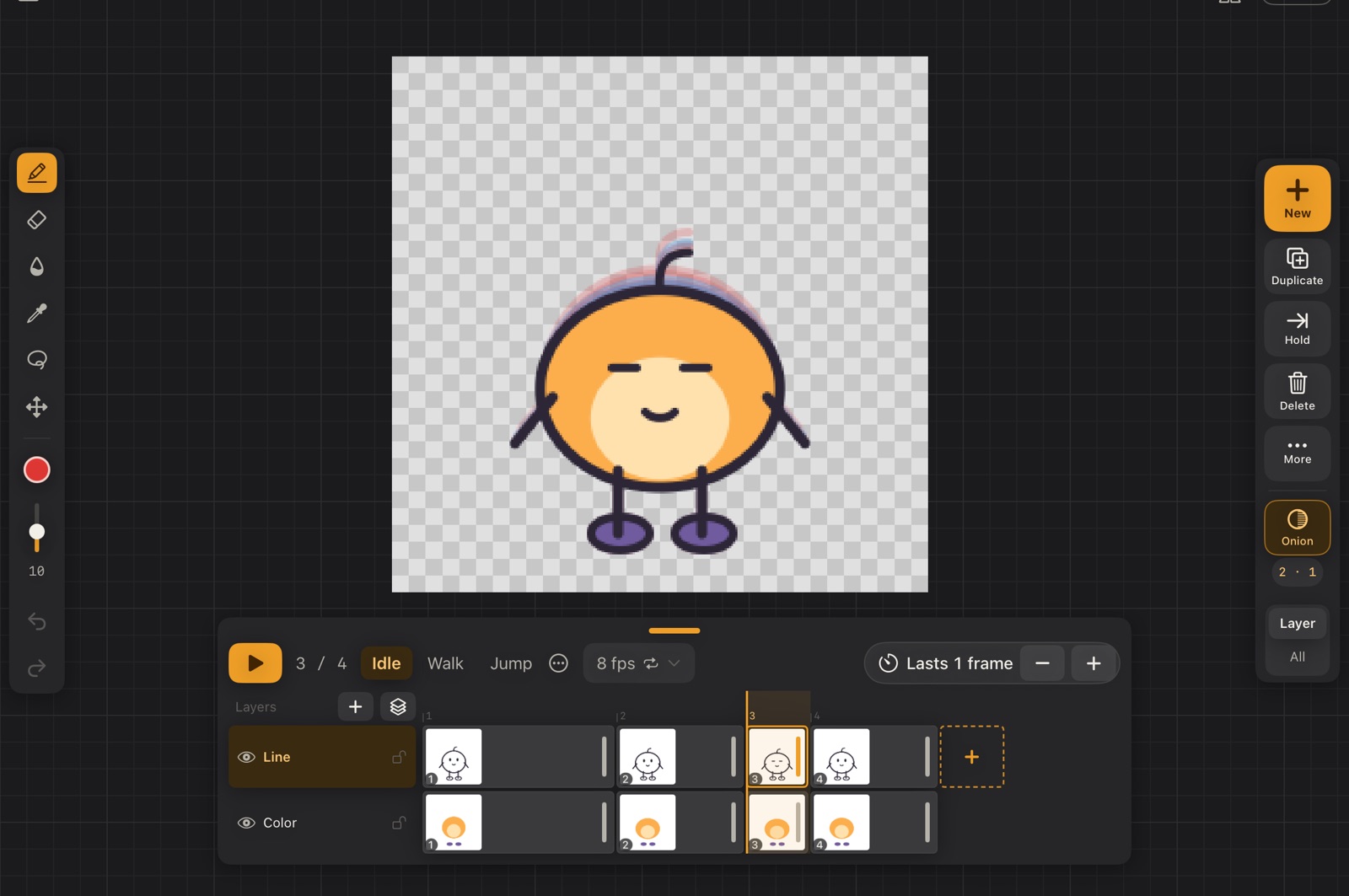
In the picture, Pip's frame 3 is drawn normally; the previous drawings show in red and the next one in blue.
On the animation rail
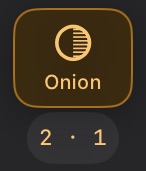
- Onion turns it on or off (O). Orange means on.
- 2 · 1 under it: how many drawings before and after show through. Tap it for the settings.
The onion skin counts drawings, not frames: a drawing held for several frames counts once, and empty frames are skipped, so the pose you're tracing always shows. A layer that doesn't change, like a still background, never ghosts over itself.
More settings
Tapping the numbers under Onion opens the full settings:
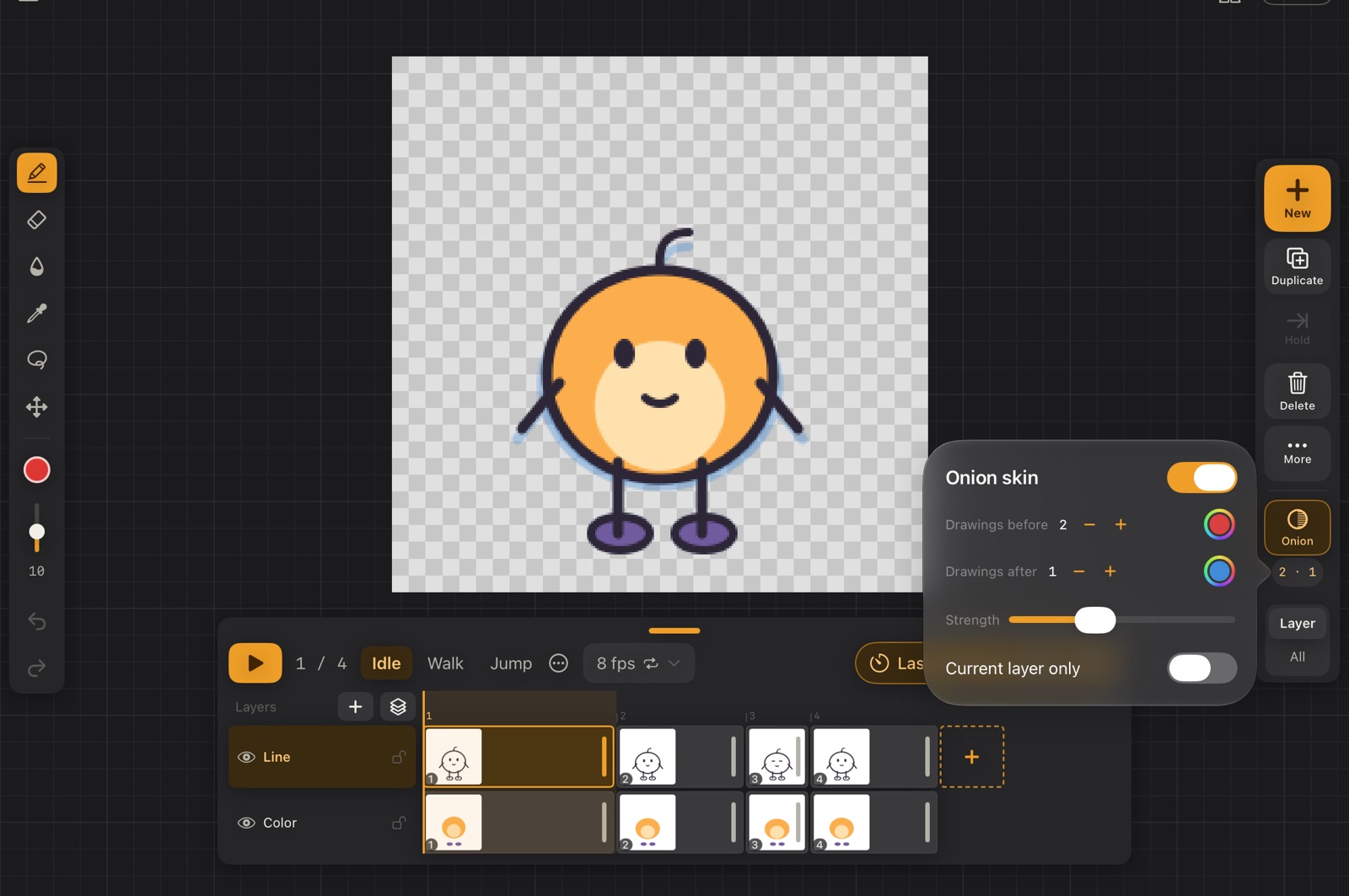
- Drawings before / after with their colours.
- Strength: how visible the ghosts are.
- Current layer only: ghost just the layer you're drawing on.